
You can access eSourcing in two ways:
1. Direct URL
Click or paste the link below into your browser: https://esourcing.metro-link.com/
2. Via EAC (Employee Application Cockpit)
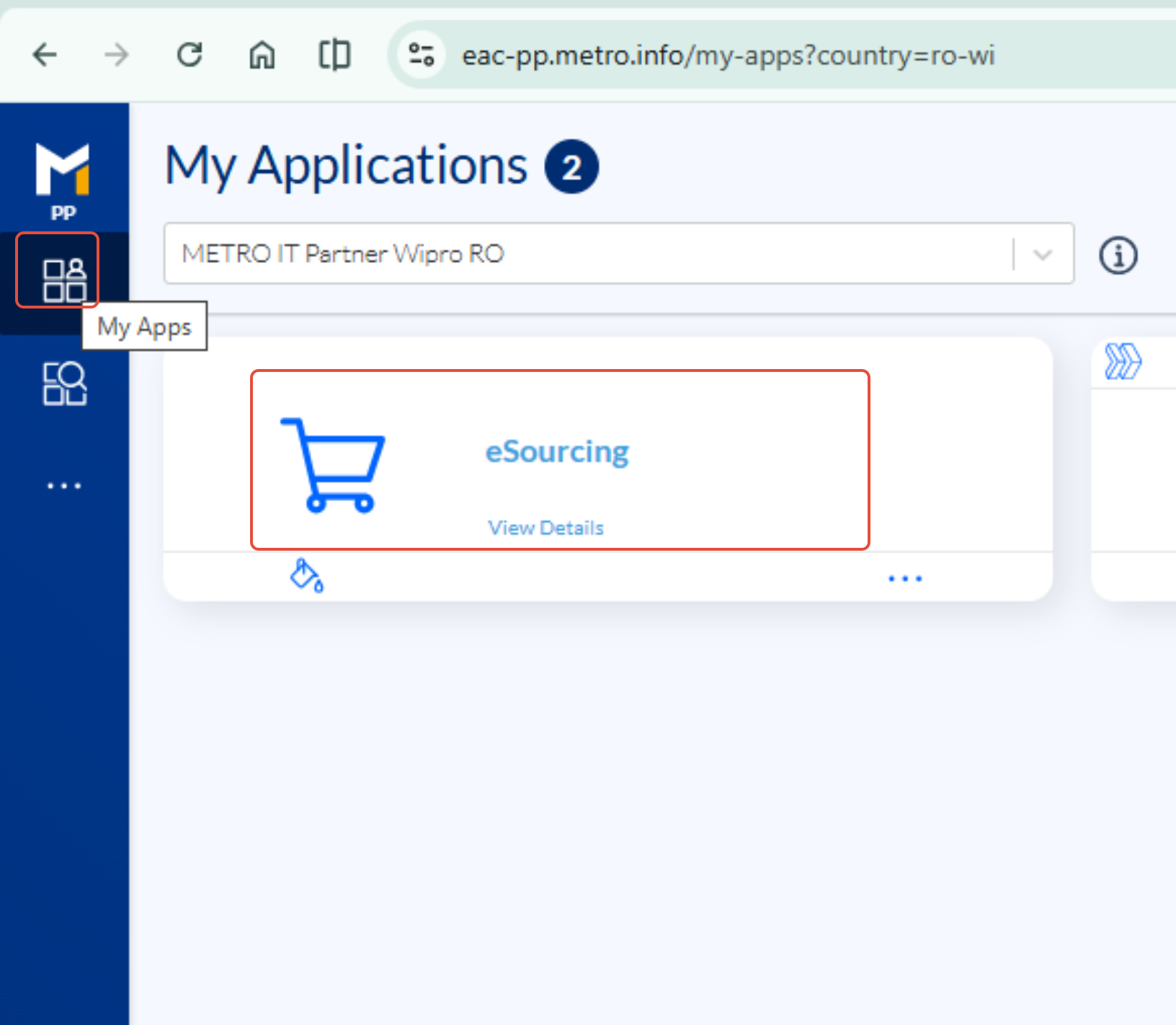
- Go to: https://eac.metro.info/my-apps
- In My Apps, simply click on the eSourcing application card to open it.
Login Instructions
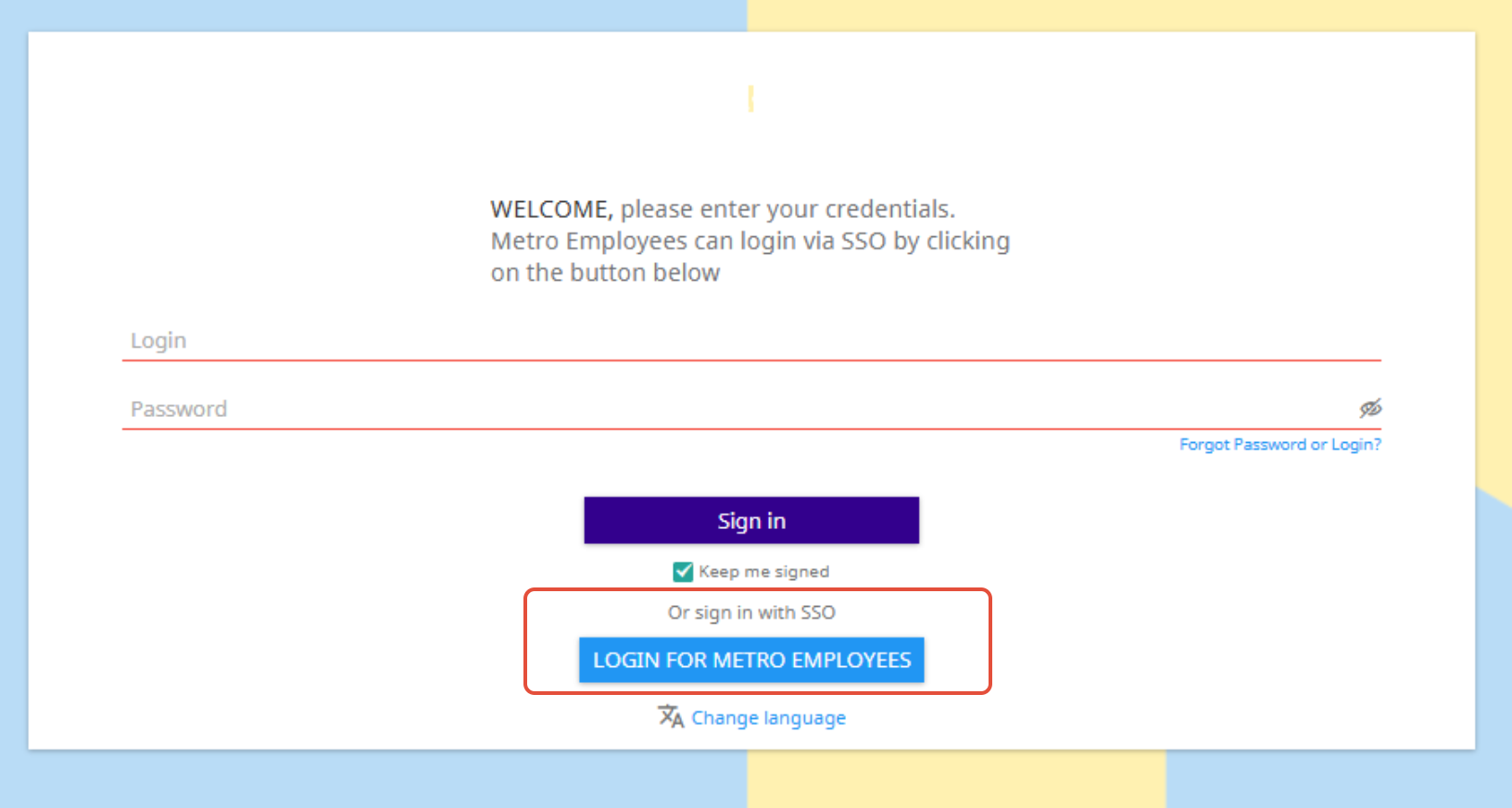
- Log in via SOO by clicking the button “Login for Metro Employees”.
- No credentials are required as long as you are connected to the Metro Network or using VPN.
Note:
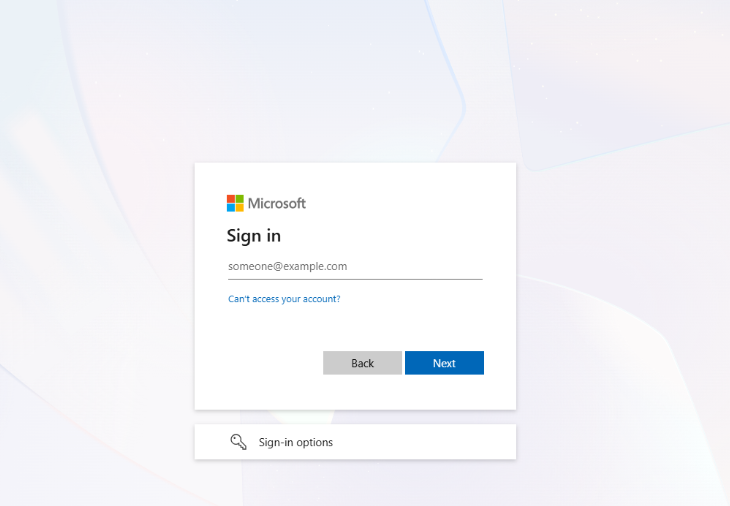
Metro credentials may occasionally be requested for security reasons or when you are not connected to a METRO network.
In such cases, log in using your email address and your Windows password.
Note:
You must have an active eSourcing account to be able to access the tool.
If you are new and need access, follow the instructions here to request an account:
➡How to setup your eSourcing account
For any further questions do not hesitate to contact us.